
Before buying a stencil printer: paper and connection matter too
A printer is only part of the setup. Learn which paper it needs, how it connects to your devices and what to check before printing your first design.
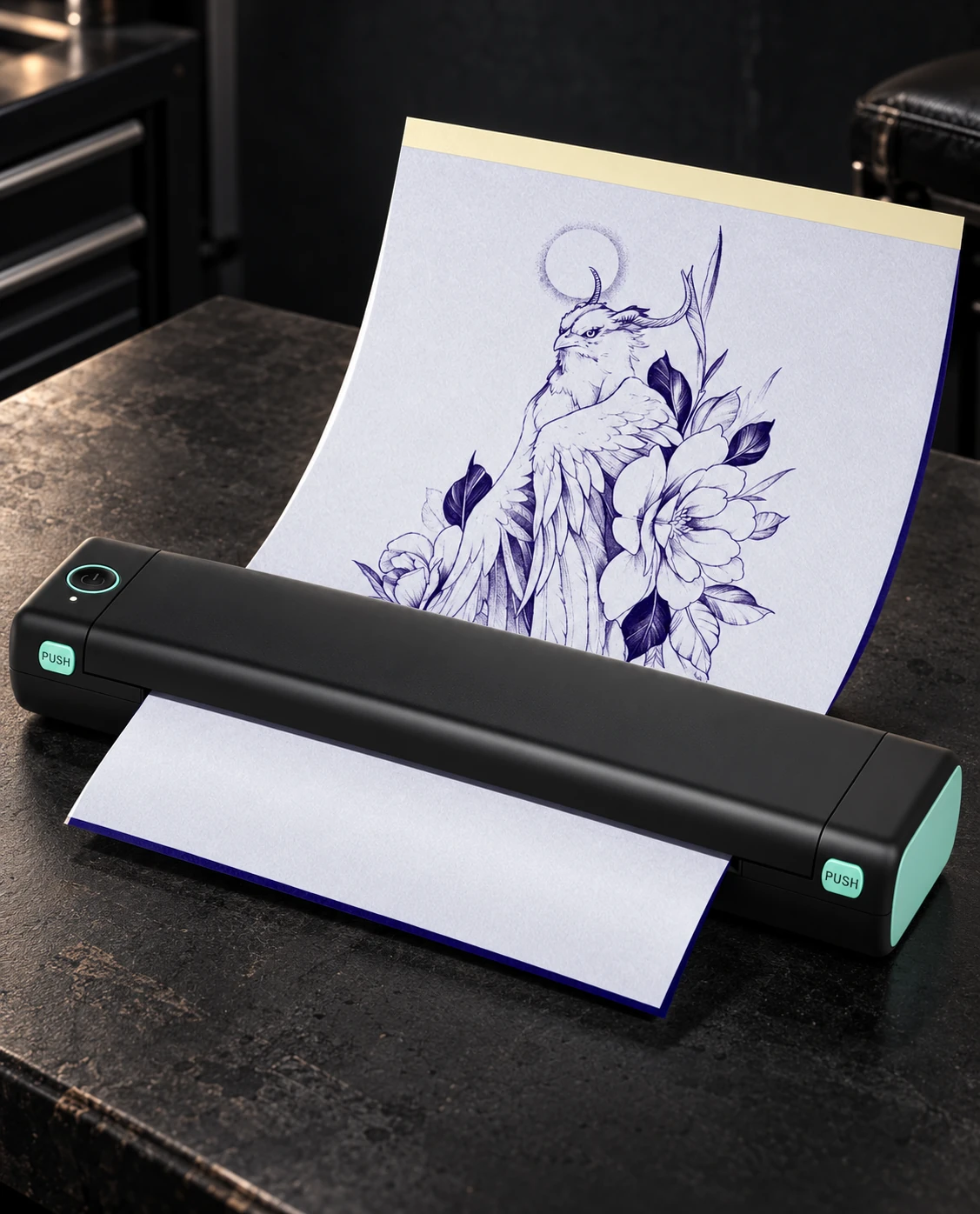
The drawing is ready. Is the setup?
Imagine finishing a design on your tablet. You want to print it at its intended size, compare two versions and decide which works better. A stencil printer could fit that process, but choosing one from its photograph or the word “wireless” leaves two useful questions unanswered: which paper will you use, and which device will send the file?
When you are starting out, answering those questions before buying makes the choice easier. We use the Phomemo M08F in the catalogue as an example of how printer, consumable and device fit together. This is a guide to understanding the purchase, rather than a performance test of the manufacturer’s promises.
No ink cartridges does not mean no consumables
The M08F uses thermal printing without ink cartridges. That does not make it suitable for every sheet: the manufacturer’s support page requires thermal paper and distinguishes A4 and Letter versions. For stencils, the printer’s product page specifies thermal tattoo transfer paper.
Look for a specific compatibility statement
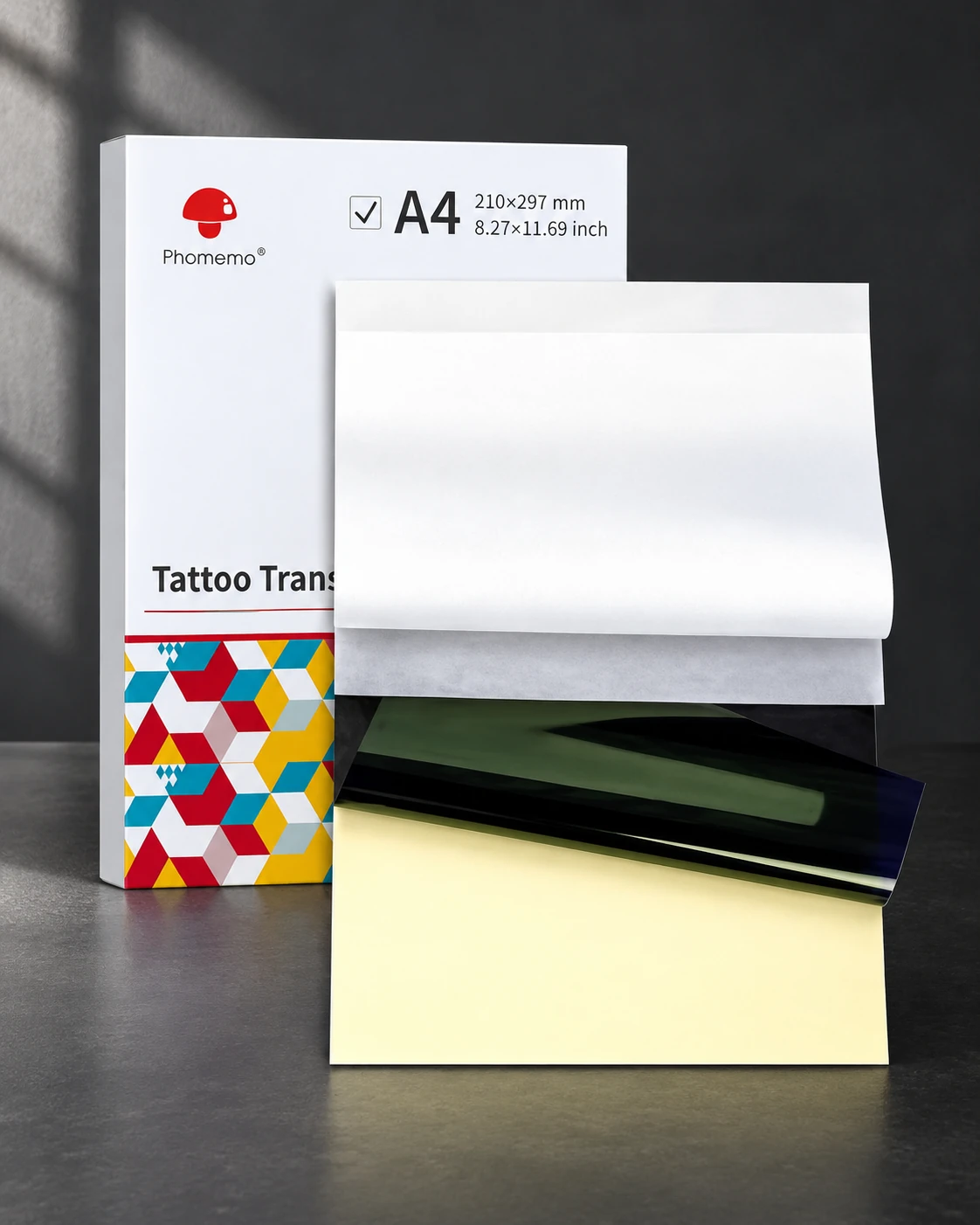
Phomemo sells a pack of 100 transfer sheets measuring 210 × 297 mm. Its listing explicitly includes the M08F Tattoo among compatible printers. That named relationship is more useful than assuming every product described as “thermal paper” does the same job.
Choose the paper as carefully as the printer
Before restocking, note your exact printer model and its supported format. Keep those details alongside the consumable reference. A small equipment note saves you from starting the research again whenever a retailer changes the wording of a listing.
A closer look at the consumable
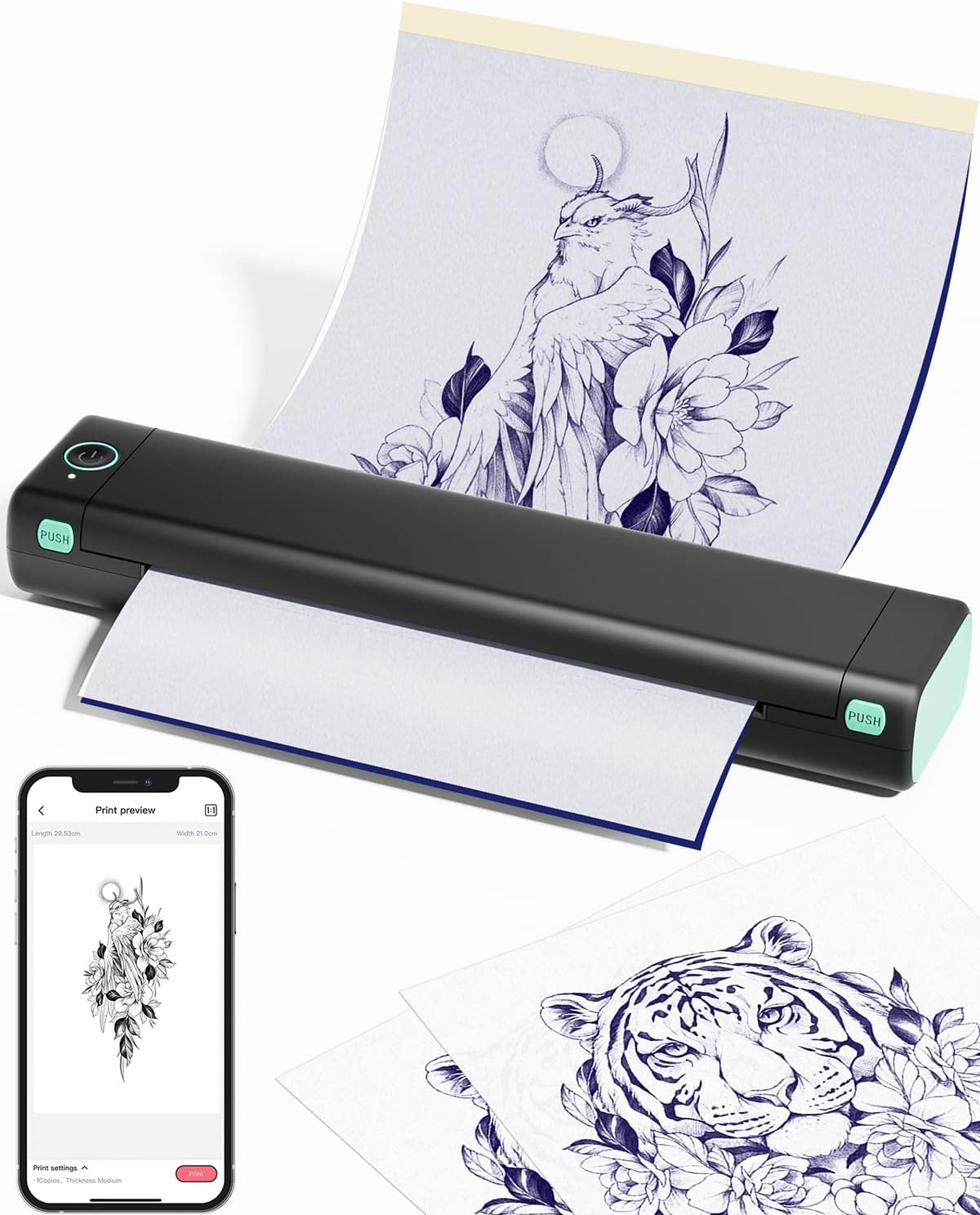
Bluetooth on mobile; USB on a computer
For this model, “wireless” does not describe every connection. Phomemo documents Bluetooth through its app for mobile devices. Its Windows and macOS instructions specify USB and the appropriate driver; the Windows guide explicitly rules out connecting to a PC by Bluetooth.
Picture your actual desk
If you draw on a tablet but keep finished files on a laptop, check both routes. Available ports, the cable and driver support matter alongside the convenience of printing from a phone. A useful setup is one you can repeat without improvising the connection each time.
Where the M08F fits
The catalogue entry brings together the black-and-green reference. Use it to check the printer against your working device and intended paper format before looking at the offer.
Before blaming the printer
Phomemo’s troubleshooting guide lists source-image quality, paper loading, battery level and print density among the things to inspect when results are poor. These are the manufacturer’s diagnostic checks, not a guarantee that every drawing will reproduce equally well.
A small print that tells you something
For your first checks on paper, make a simple original design with separated lines and a word. Choose the size before printing, then compare the result with the file. When you adjust a setting, write it down and change one thing at a time: the next sheet can then tell you what that change did.
The purchase becomes easier to judge when you know how you will use it and replace its consumables. A printer can help move a file onto paper; judging its scale, legibility and drawing remains your job.
Sources and editorial notes
- Phomemo — M08F Tattoo Printer
- Phomemo Support — M08F on Windows
- Phomemo Support — M08F on macOS
- Phomemo Support — M08F consumables and formats
- Phomemo — Tattoo Transfer Paper
- Phomemo Support — Improving tattoo print quality
Manufacturer and organiser facts are linked above. Our selection and reading advice expresses TattooXpert’s editorial judgement.
Our editorial methodFROM THE PAGE
TO YOUR STUDIO.

A Bluetooth thermal printer for transferring designs to stencil paper.
KEEP EXPLORING.
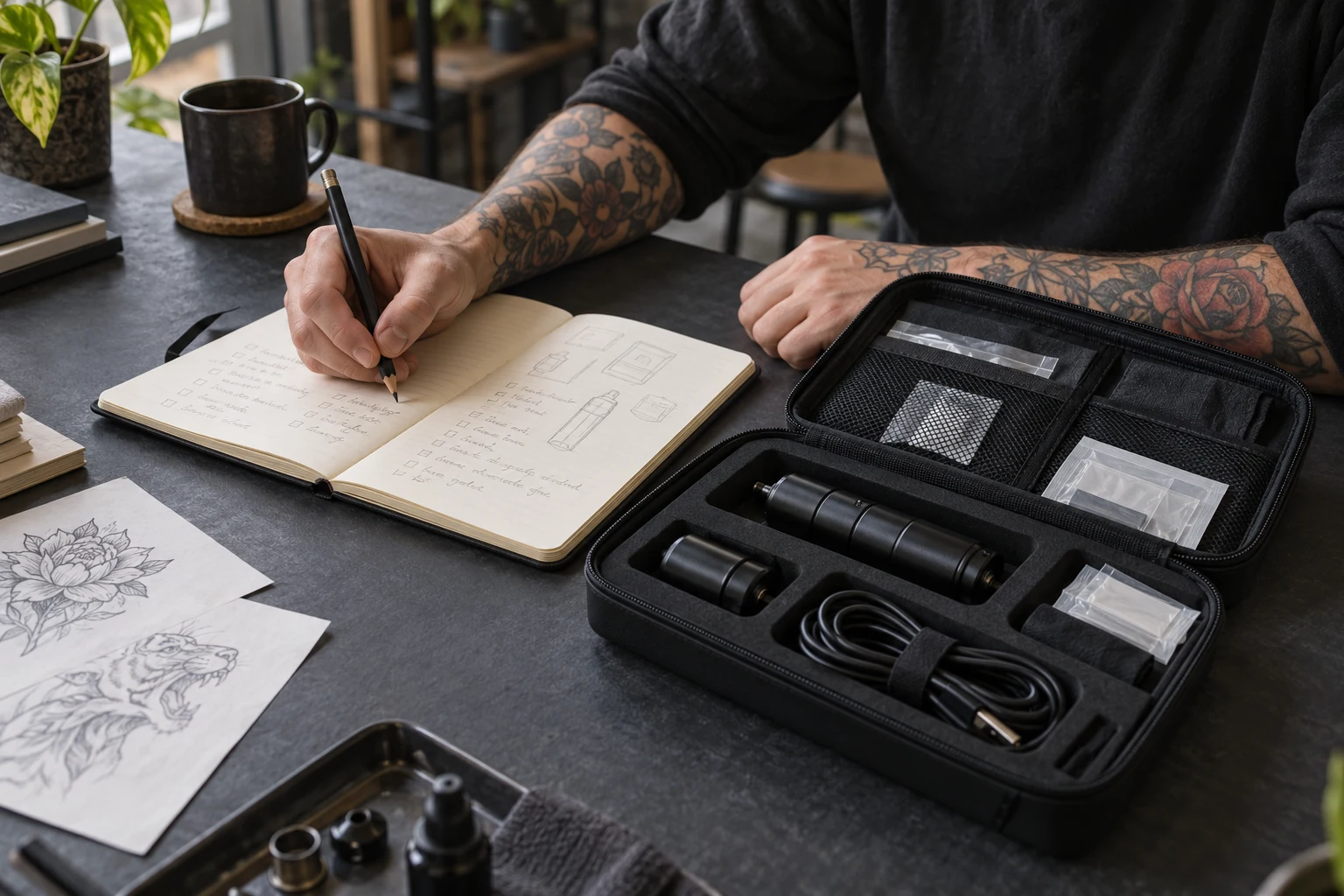
Your first tattoo kit does not need more pieces: every piece needs a purpose
How to organise a purchase by function, compare a kit’s contents and decide what belongs in your setup now or later.
TattooXpert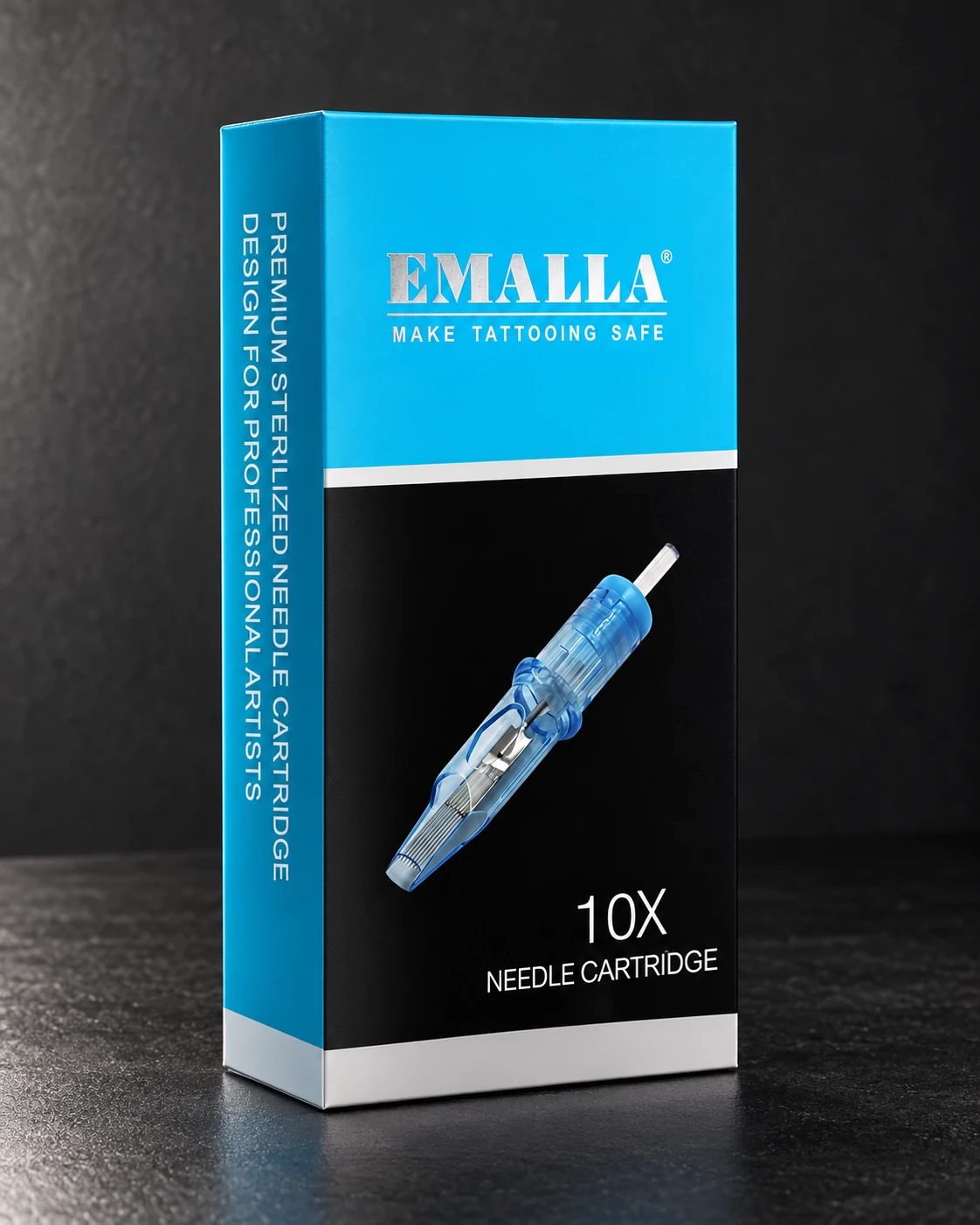
RL, RS and Magnum: stop buying tattoo needles by guesswork
Needle count is only part of the label. Learn to distinguish grouping, diameter and taper, then compare catalogue options without confusing size with technique.
TattooXpert